I’d like to Virtual Box to install Linux on my M2 Macbook Air, which is an ARM device. Any suggestions?
Cheers,
Mike
I’d like to Virtual Box to install Linux on my M2 Macbook Air, which is an ARM device. Any suggestions?
Cheers,
Mike
Hi Mike and welcome to the community! I’m also a Mac user (use it at work and home) and I use UTM https://github.com/utmapp/UTM. Just about every distro has an ARM based installer nowadays.
Hi Cwest. Thanks! I couldn’t find a Mint-ARM option. I just took a brief look at the link you sent. Cool. What bistro do you use with that?
I forgot Mint is only x86_x64. I use Ubuntu, Debian, Fedora and AlmaLinux on UTM. All of those work really well in UTM.
No worries.
I’m new to Linux and have only used Mint. Which distro would you recommend I try next?
Since you’re use to Mint, I would suggest Ubuntu.
Thanks.
I found a YouTube video that seems to offer good advice on installing UTM and Ubuntu: How to Install and Use UTM on Mac | A Guide to Virtual Machines on Mac M1/M2 Apple Silicon Chips
That looks like a good resource to get you started!
The video was a great help with installing Ubuntu. The only glitch came when UTM was trying to check backup mirroring sites, I believe. I forgot I had Nord VPN running so I kept getting the message that the backup mirror site wasn’t working properly. When I logged-out of Nord AND restarted my Mac (simply logging-out didn’t have any effect), then installation continued and worked like a charm. The video had me install Gnome (I believe that’s what it is) for a GUI since the Server option only loaded the terminal. I don’t know anything about it, so I’ll have to do some reading.
Ubuntu is working beautifully. Some of the Mac keyboard commands (Command + C for copy) don’t work, etc. don’t work. Any thoughts?
Oh, and I couldn’t change the country settings. I live in Australia, so our date format, for example, is different from the States and we, of course, use the Australian dollar instead of the American dollar. But I couldn’t see an option to download the settings for an alternate country. I could find the window where it listed the country setting available, but only the American one appeared and there wasn’t an option for a different country.
On Linux the command key operates like the Windows key. Use the ctrl key to use copy & paste.
During installation you should have had the option to select the region, but you can fix that in the settings app.
Go to Settings → System → Region & Language
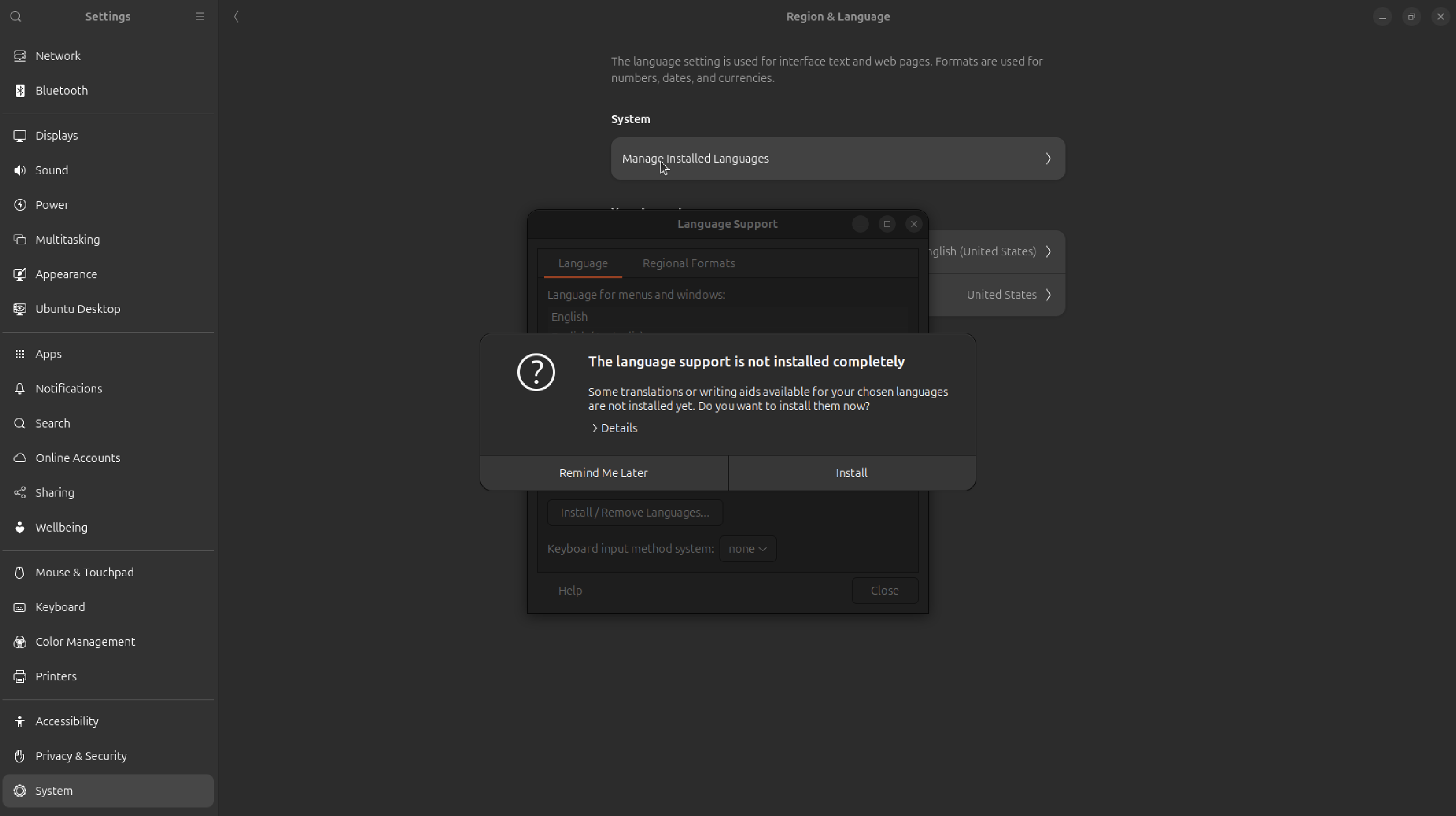
From there, click on Manage Installed Languages. You might need to install extra packages (I did) go ahead and go through that.
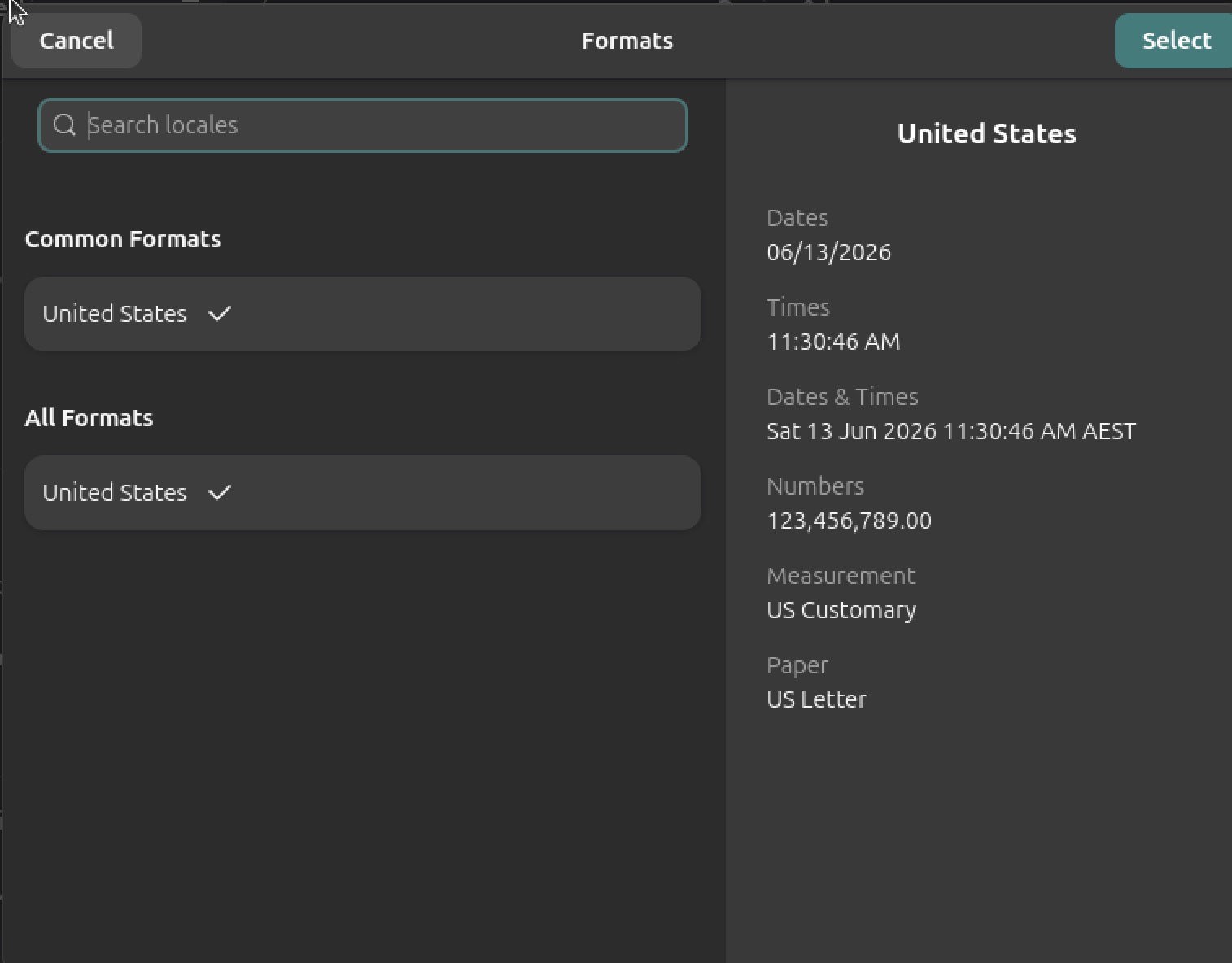
Next, you should be able to select Australia in the Languages section. Then, go down to formats and do the same. With both of those selected for your language and formats, go back to the Manage Installed Languages section.
Finally, on both the Languages and Regional Formats tabs click Apply System-Wide. Logout and log back in and check to see if these changes took affect.
Were you able to select the time zone just fine?
I hope this helps.
Since I use a VPN on my Mac, I set the location manually. And it does read as Hobart, Tasmania. So the date format is correct.
As for the language, English is what I speak, so that’s fine. But the formats only give the US version. I click on Common Formats or All Formats, I’m taken back to the previous window. I even enter Australia into the Search box, but it doesn’t find anything. I don’t see an option anywhere to add a package.
I’m not sure if it matters, but it occurred to me that the video didn’t have me verify the Ubuntu OS after downloading it. That’s what I did after downloading Mint.
I wonder if I should delete the Ubuntu OS and download a new file, this time verifying it? Problem is I don’t know how to do that with Ubuntu.
Interesting 
As long as you downloaded the ISO from ubuntu.com you should be good.
What appears here for you?
Yay! It worked! Thanks C! It never occurred to me to select English to see other options. There were several choices and a few windows to go through and I had to restart / log out of Ubuntu each time. But now everything is set to Australia! (Mike drinks some coffee and sighs in satisfaction.) 
One other thing. I use a VPN on my laptop. I’ve discovered that I can’t use the browser in Ubuntu while I have the VPN connected.
Awesome! I’m glad it’s working for you now!
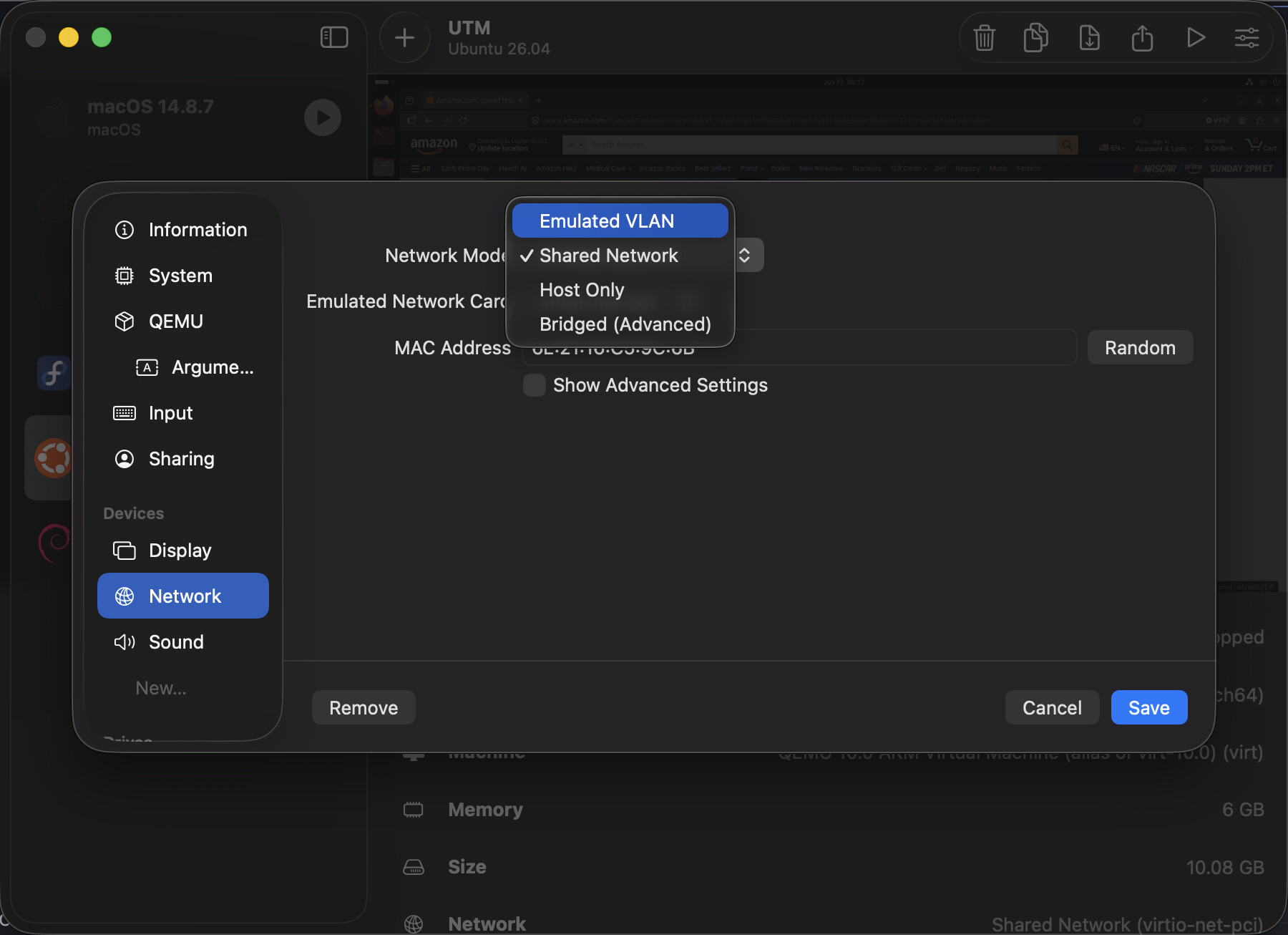
I don’t have a way to test the VPN problem at the moment but try changing the network settings of the Ubuntu VM in UTM to emulated VLAN like pictured below (you’ll have to shutdown the VM to make the changes):
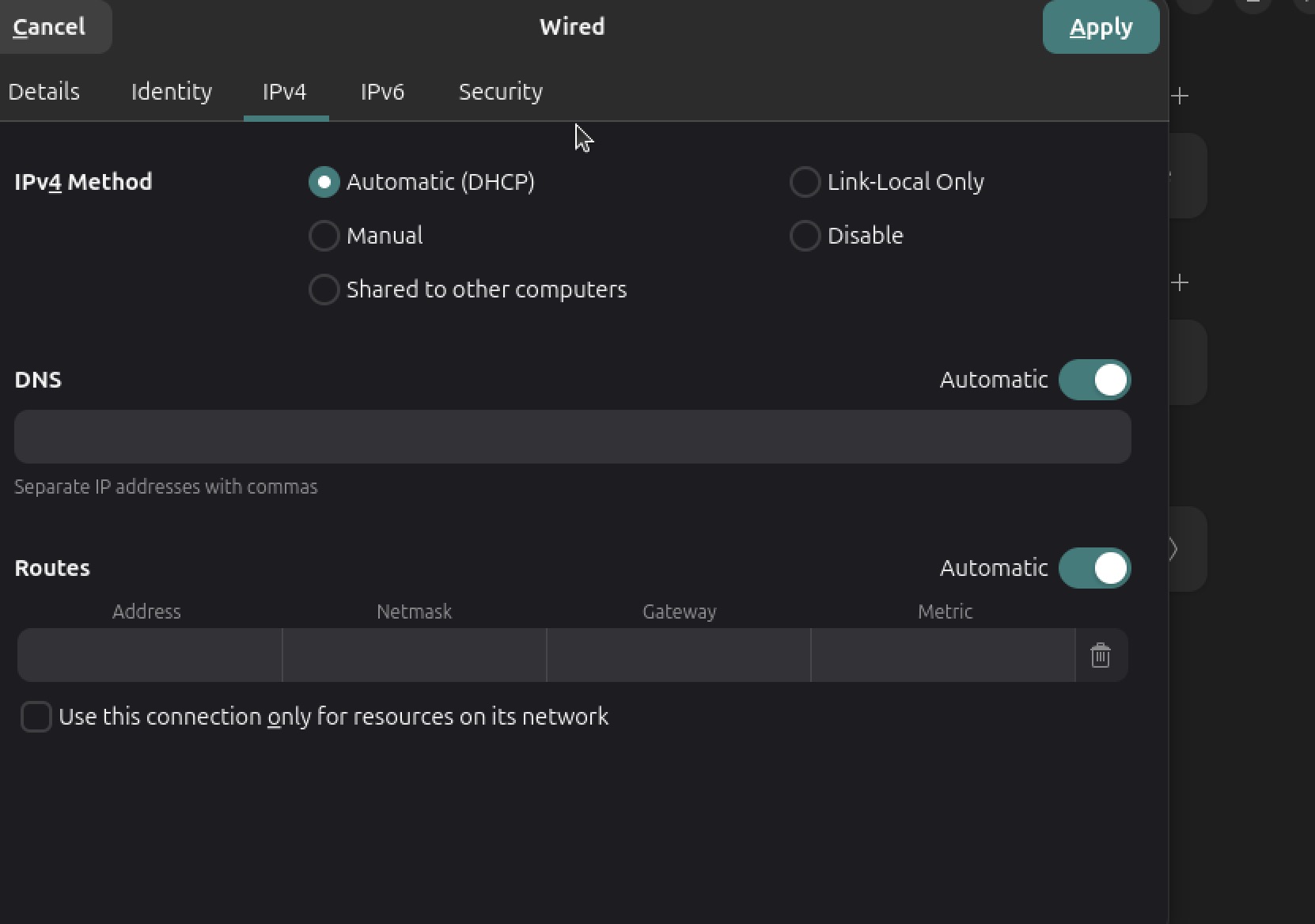
I’m not seeing that option. Maybe it’s because I downloaded Ubuntu server (and added the GUI) rather than the desktop version.
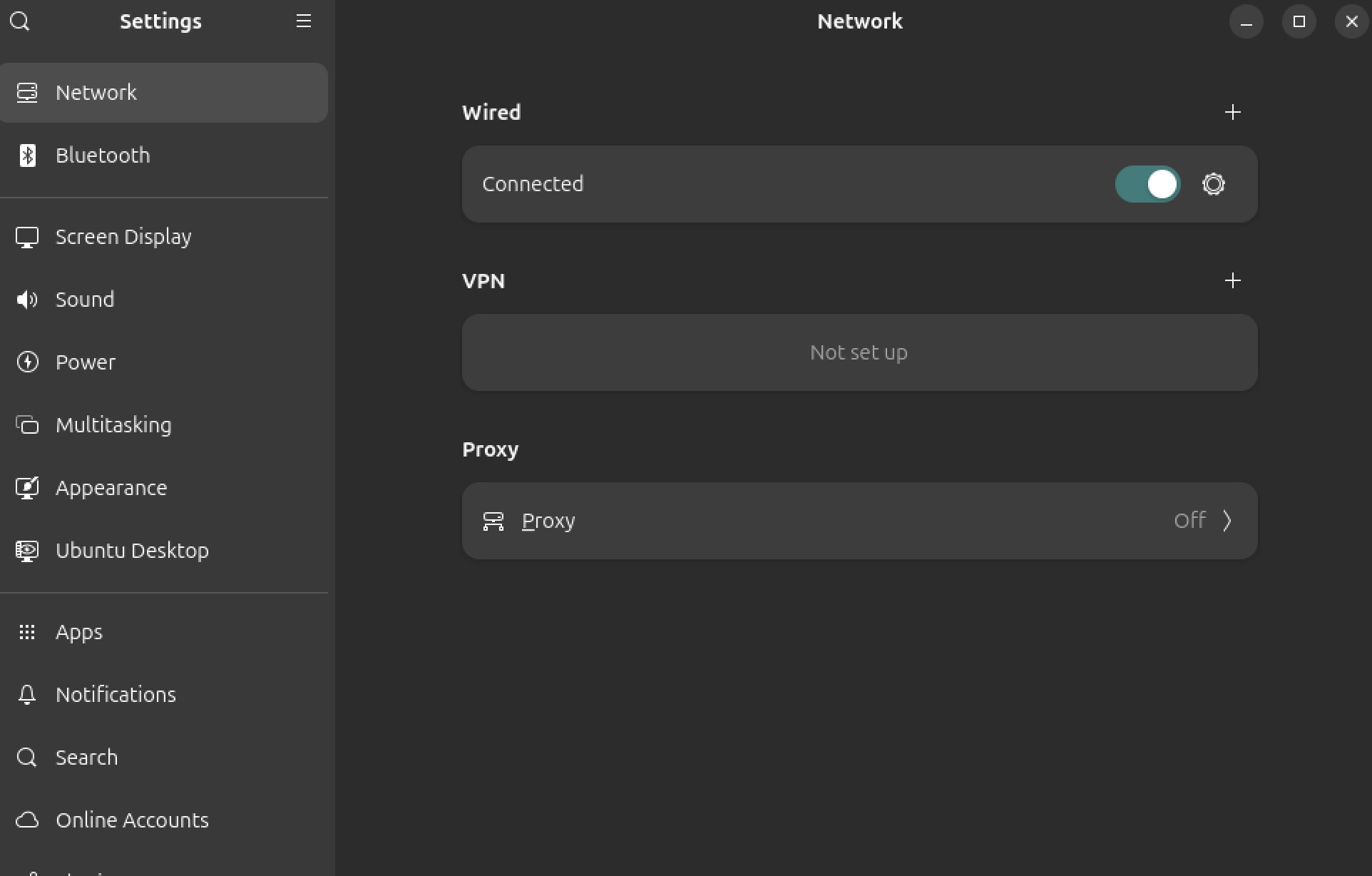
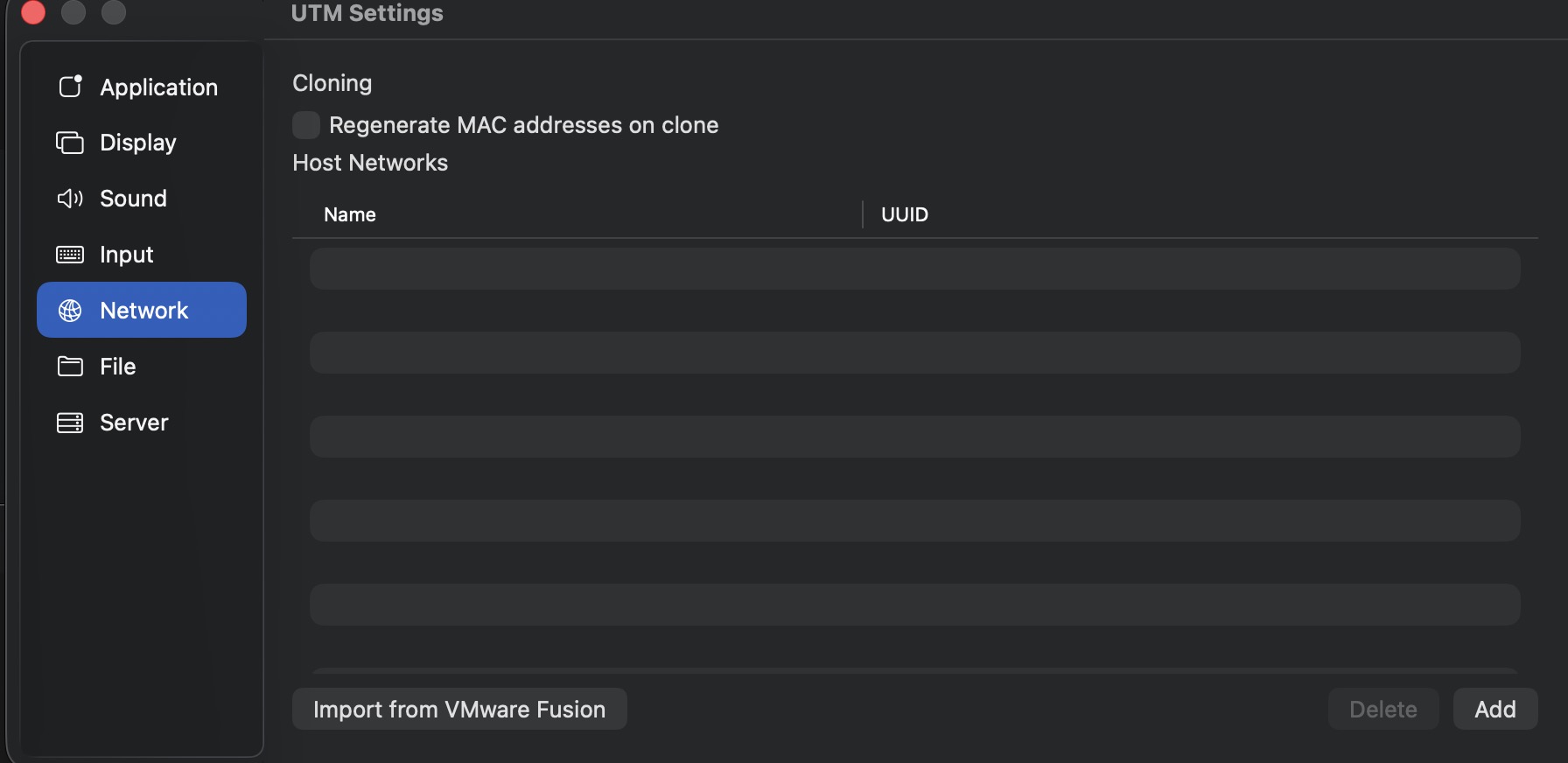
I’ve added a few screenshots of what I have.
Here’s another screenshot. The system wouldn’t let me, a new user, add two pictures in a single post.
That options I shared in the screenshot are the network settings in UTM not in Ubuntu.
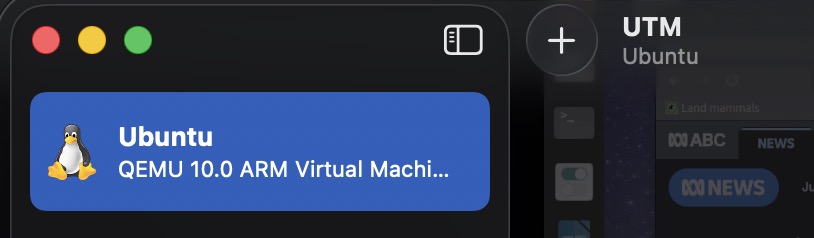
Then I watched this video on YouTube https://www.youtube.com/watch?v=GgDEwQXpZI8 and saw that I needed to right-click on the Ubuntu entry:
That brought up the Network Mode options. And, yes, selecting “Emulated VLAN” solved the problem!
Thanks!
Cheers,
Mike
Glad it all worked out! Enjoy playing with Ubuntu.