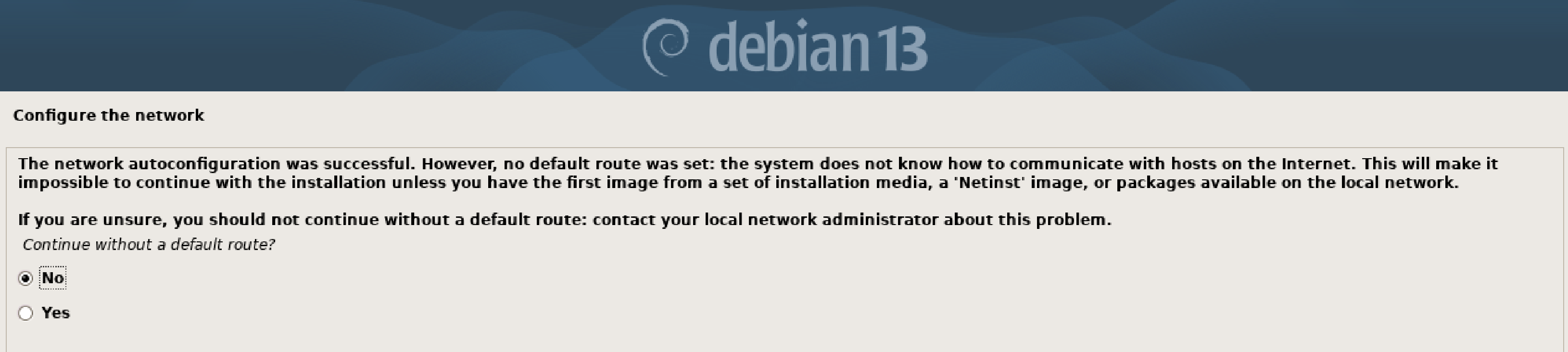
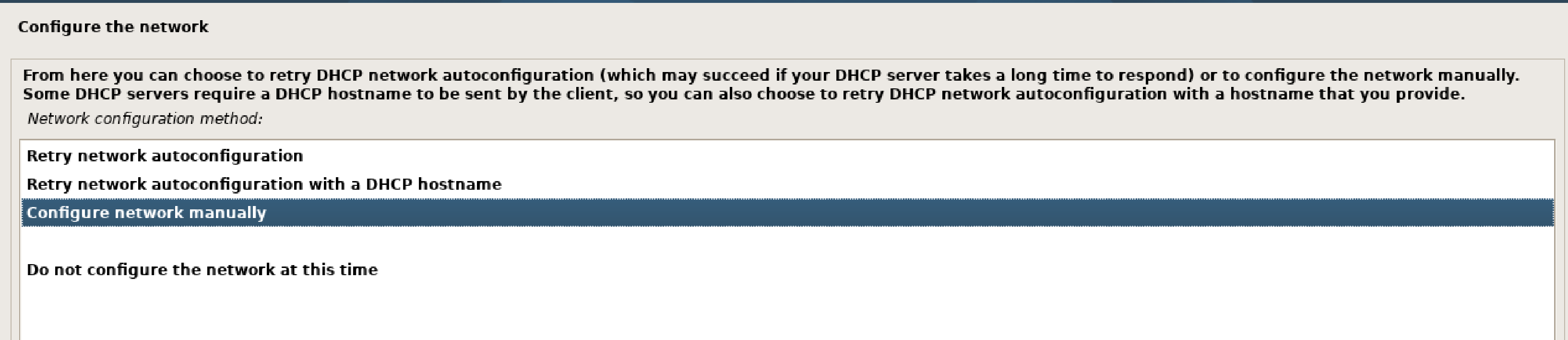
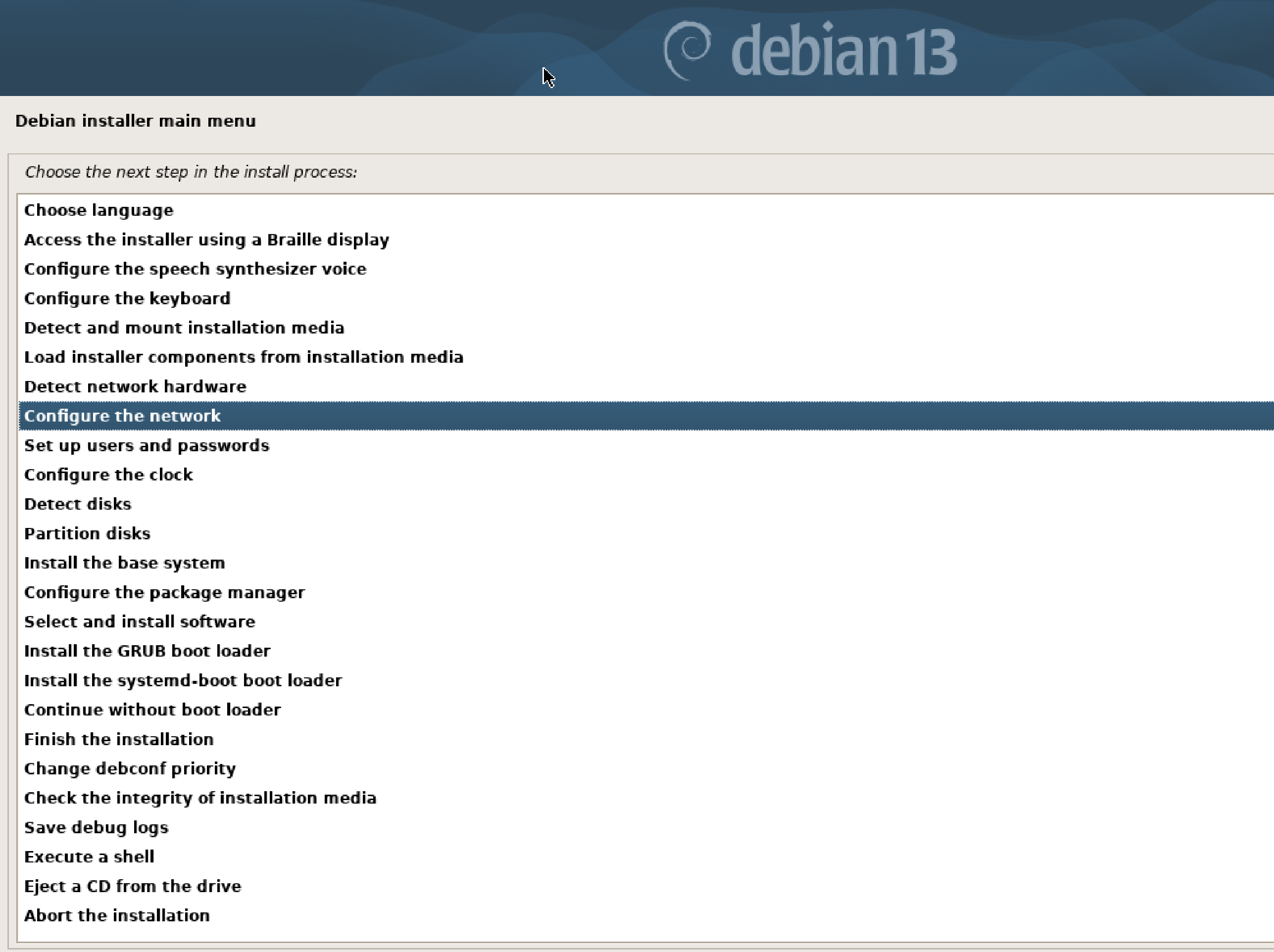
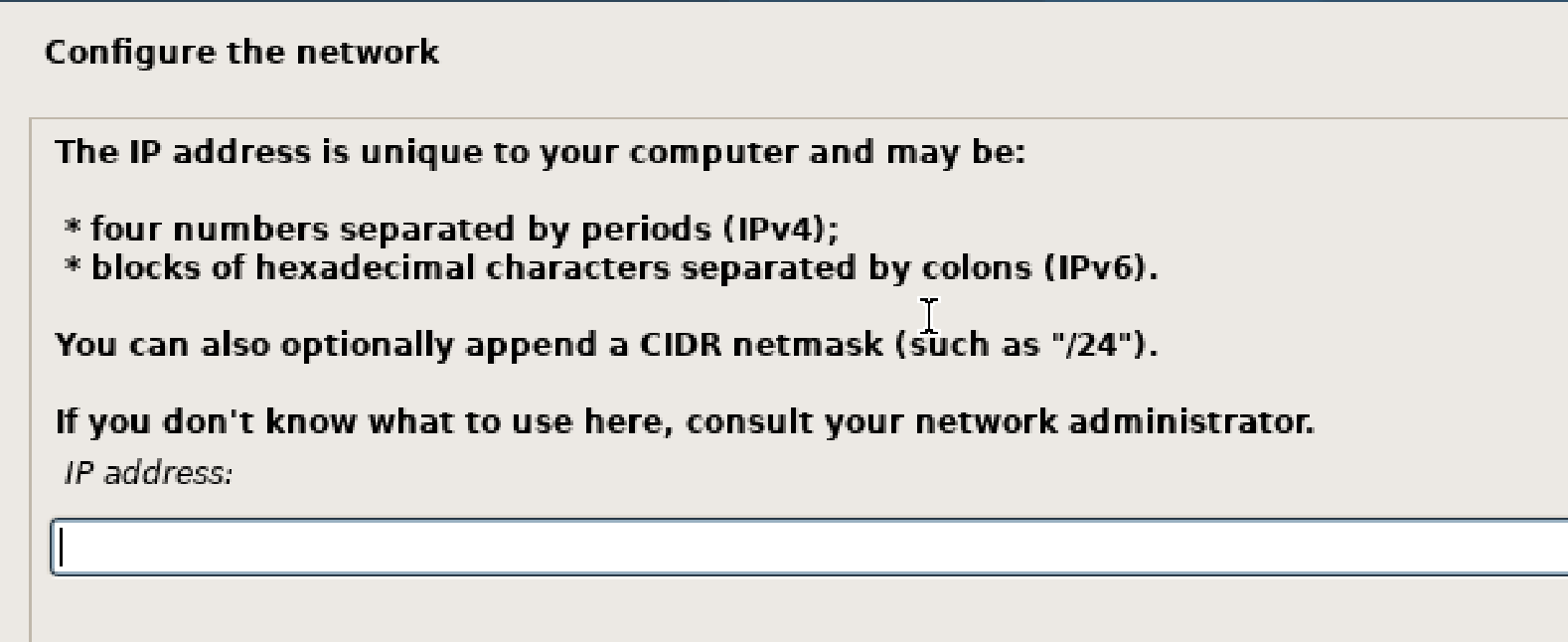
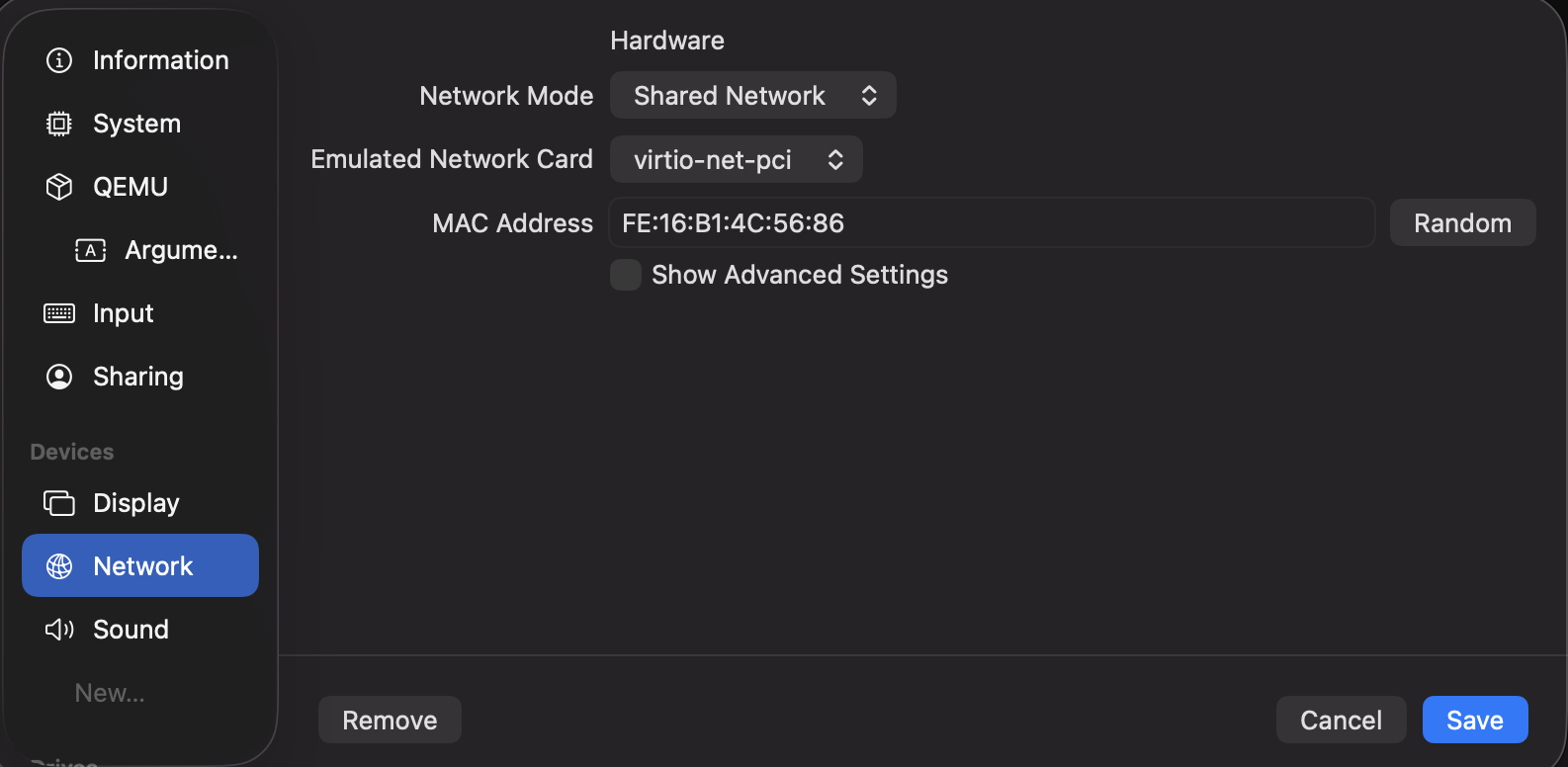
I have a MacBook Air and I’m trying to install Debian on UTM but I’m having problems configuring the network. In the end I chose not to set up the network at this time.
I used this YouTube video to guide me during the downloading and installation of the Debian software: https://youtu.be/yCTx-Xg8uuQ?si=RSEE0VR11SZ7VRzi
At the beginning of the installation process, UTM asked me if I wanted the Installation process or the Graphic Installation. Per the video, I chose the Graphic installation.
Here are screenshots of the error messages I received when trying to set up the network: